
Now I am going to duplicate curves from the surface.
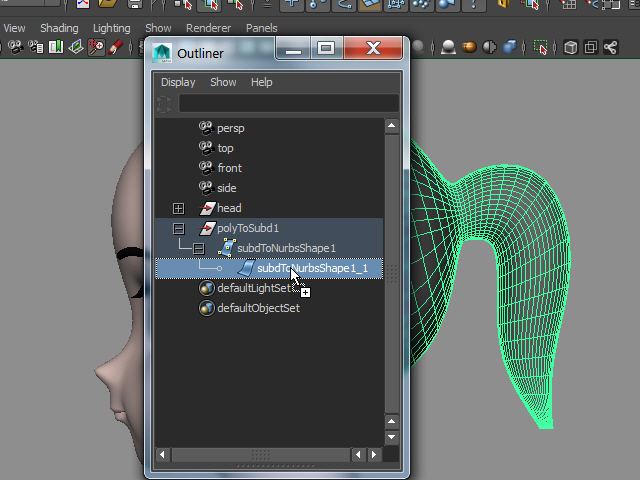
1. Select the surface.
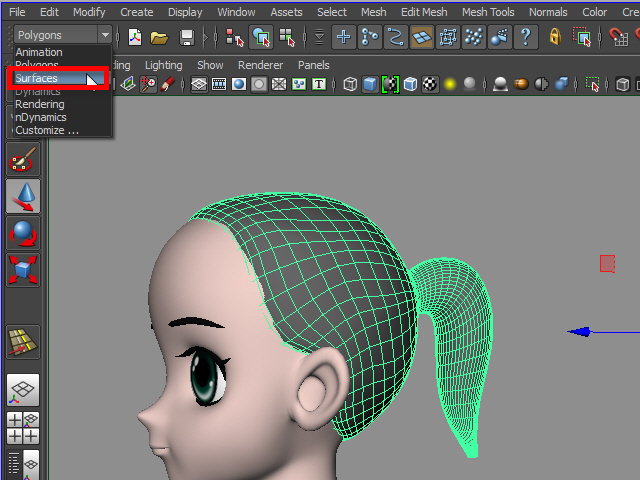
2. Change to Surface mode in 2015 version.
In 2016 version, change to Modeling mode.
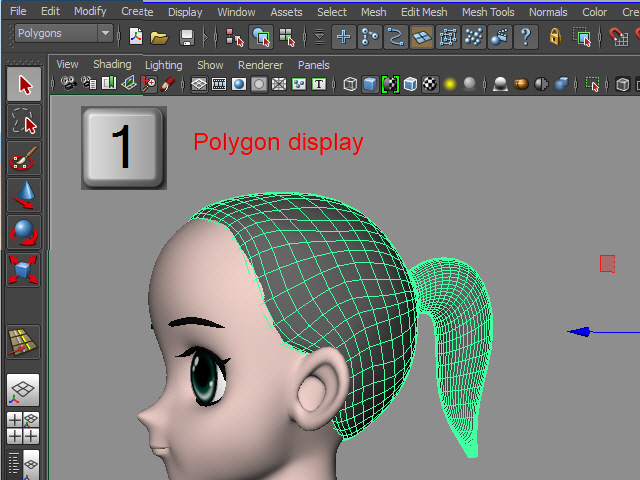
Use Polygon display.
Subdivision display creates too many curves.
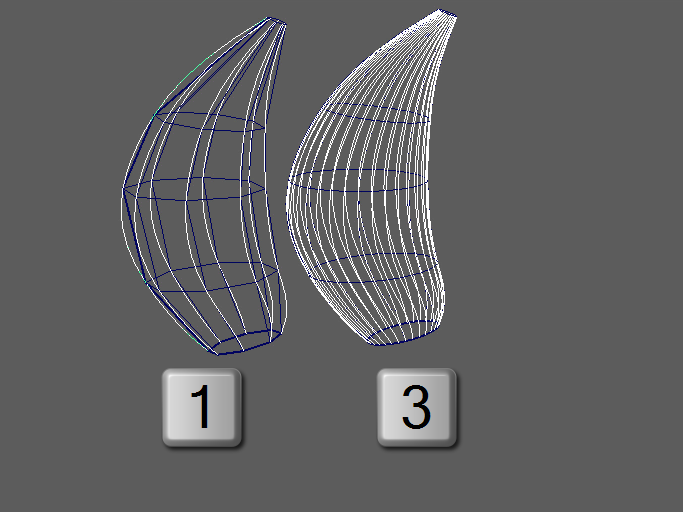
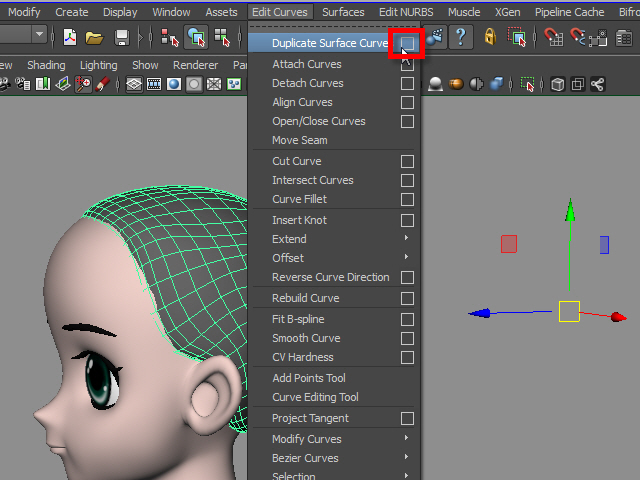
3. Now I am going to duplicate curves from the surface.
In Maya 2016, Curves > Duplicate Surface Curves > option box
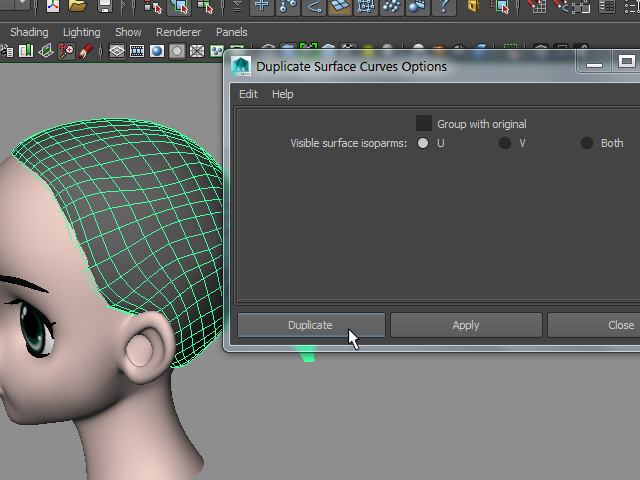
4. Choose U first and try.
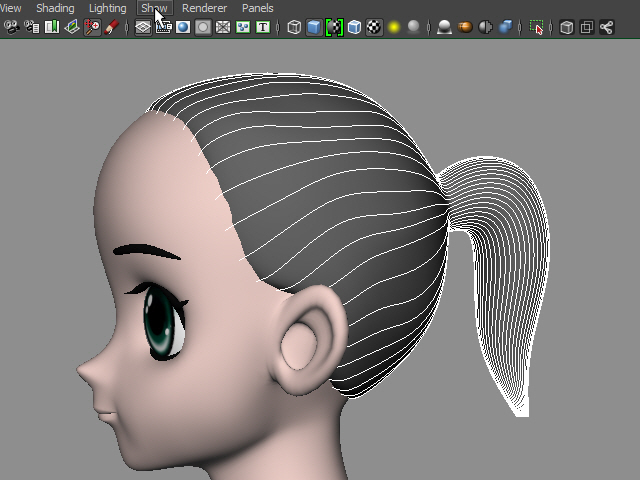
5. Curves should be like this. If you see the curve on different direction, go back to the option and choose V and try again.
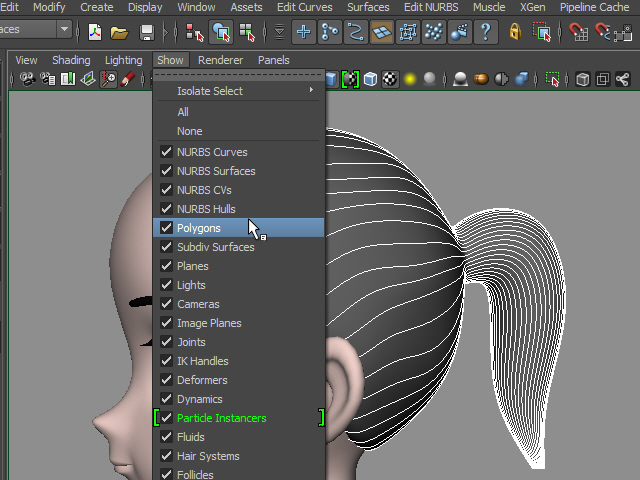
6. Now I am going to hide polygon surfaces.
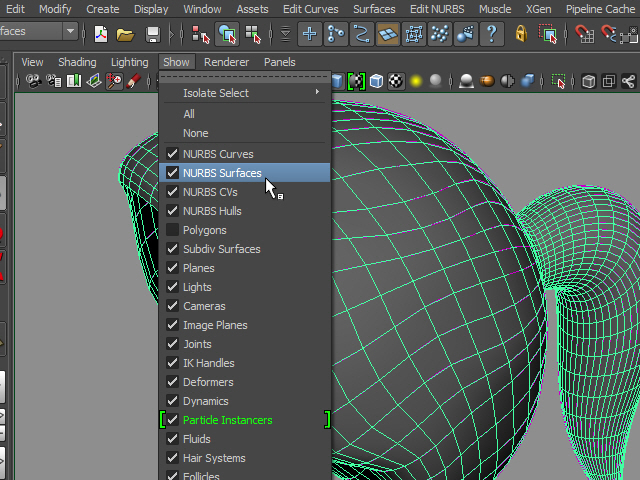
7. Also, I am going to hide NURBS surfaces.
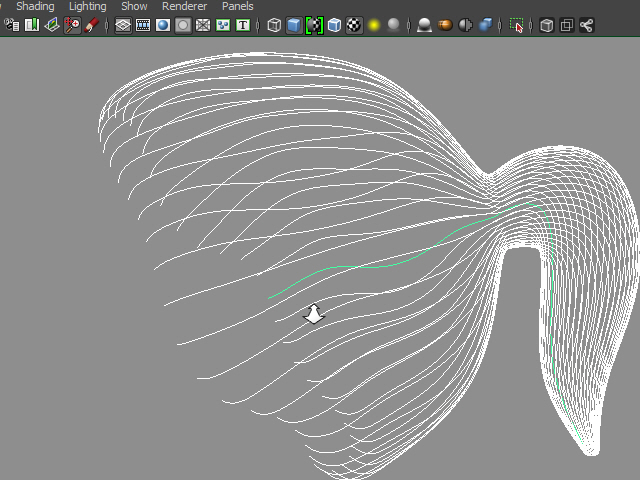
8. Now I see only curves.
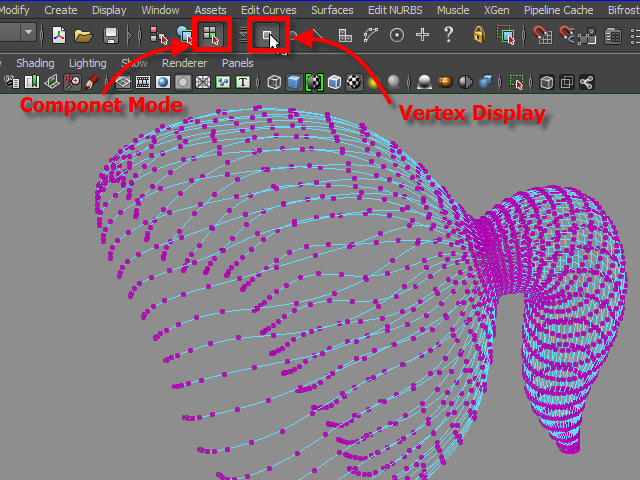
9. I have to check the direction of curves.
Go to Component Mode and display Vertices.
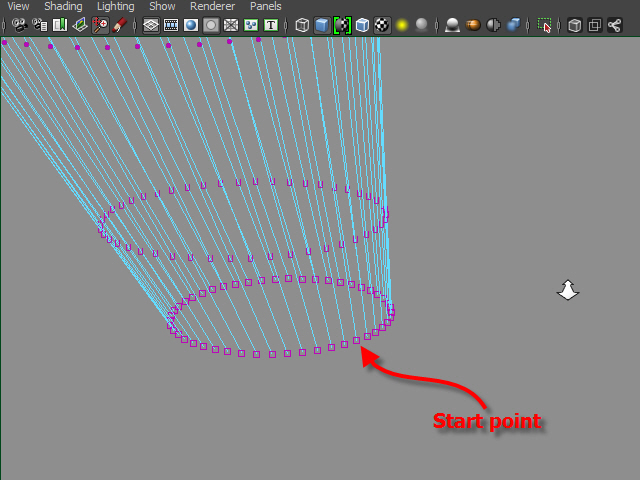
10. These little square shape is the beginning of the curve.
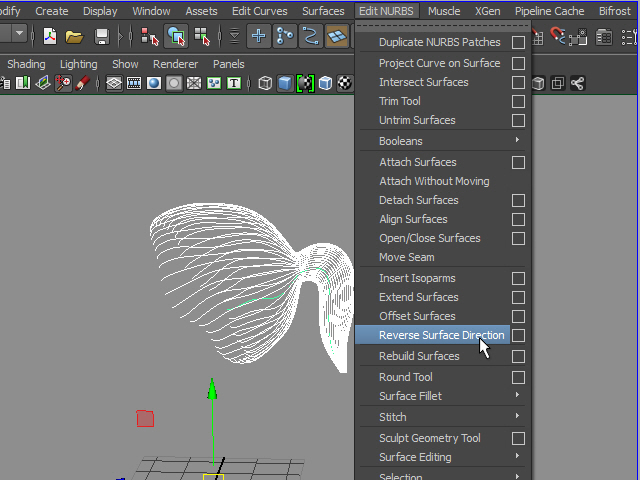
11. Reverse Curve Direction.
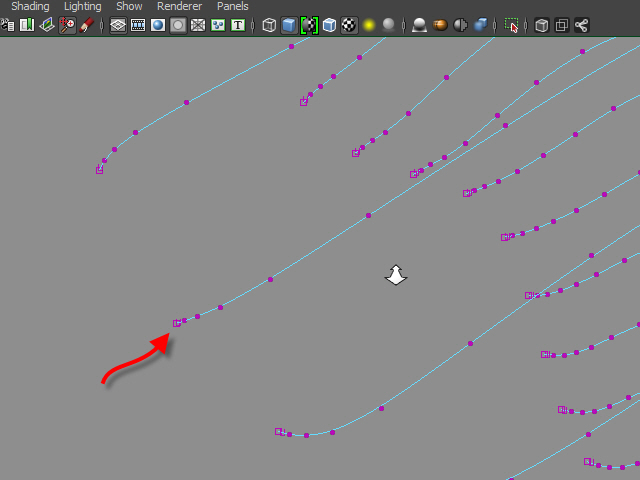
12. Now the starting point goes to forehead.
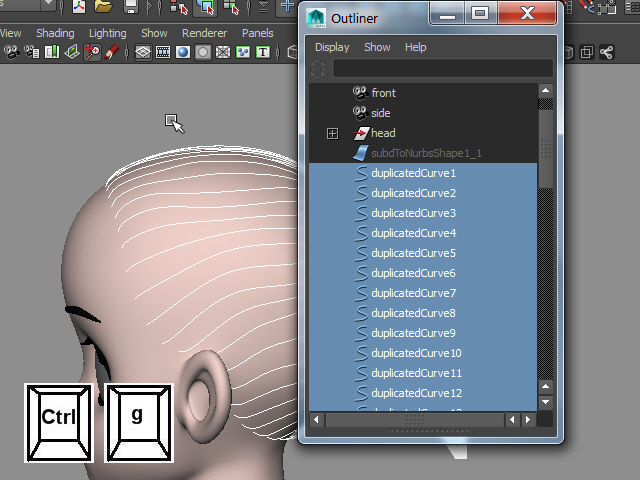
13. Select all curves and group them.
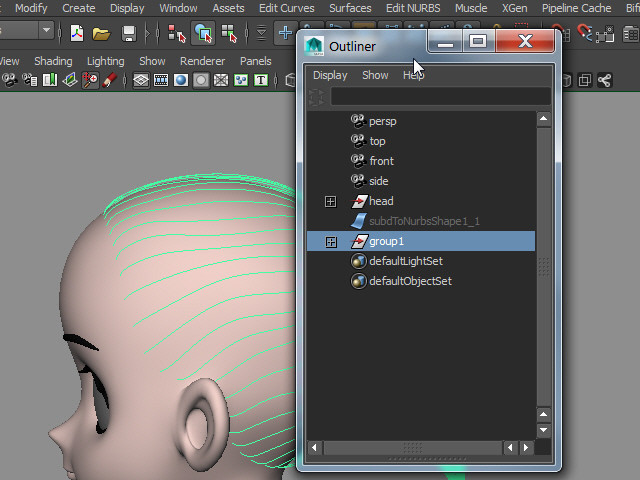
14. Next I am going to apply hair system.
-4-